
Easy ways to use AI for admin tasks without losing that personal touch
When people start running a business as a freelancer or small business owner they may not realise what is involved and that it often ends up feeling like you are wearing ten different hats at once. Between managing what your business actually does, you also have to handle digital marketing, and keep up with the endless stream of emails, it’s no wonder that being "overwhelmed" becomes our default setting.
You will have been living under a rock if you have never heard about Artificial Intelligence (AI)and how it can save you hours of work. But if you’re like many of my clients, you might be hesitant.
You’ve built your business on relationships, trust, and your unique personality. The last thing you want is for your brand to start sounding like a cold, robotic script.
The good news? You can use AI to handle the heavy lifting of admin work while keeping your "human-ness" front and center. Here is how to strike that perfect balance.
Why AI can help for small business admin
Admin tasks are the "invisible work" of business. They don’t always generate revenue directly, but without them, the wheels fall off. For neurodivergent business owners, in particular, the executive function required to manage scheduling, filing, and repetitive emails can be especially draining.
AI isn't here to replace you; it’s here to act as your digital helper. It excels at:
Sorting and categorising your data.
Drafting initial outlines and ideas.
Transcribing meetings.
Automating your workflows.
By offloading these tasks, you free up your mental energy for the creative and strategic work that only you can do. Simple!
Tame your email inbox
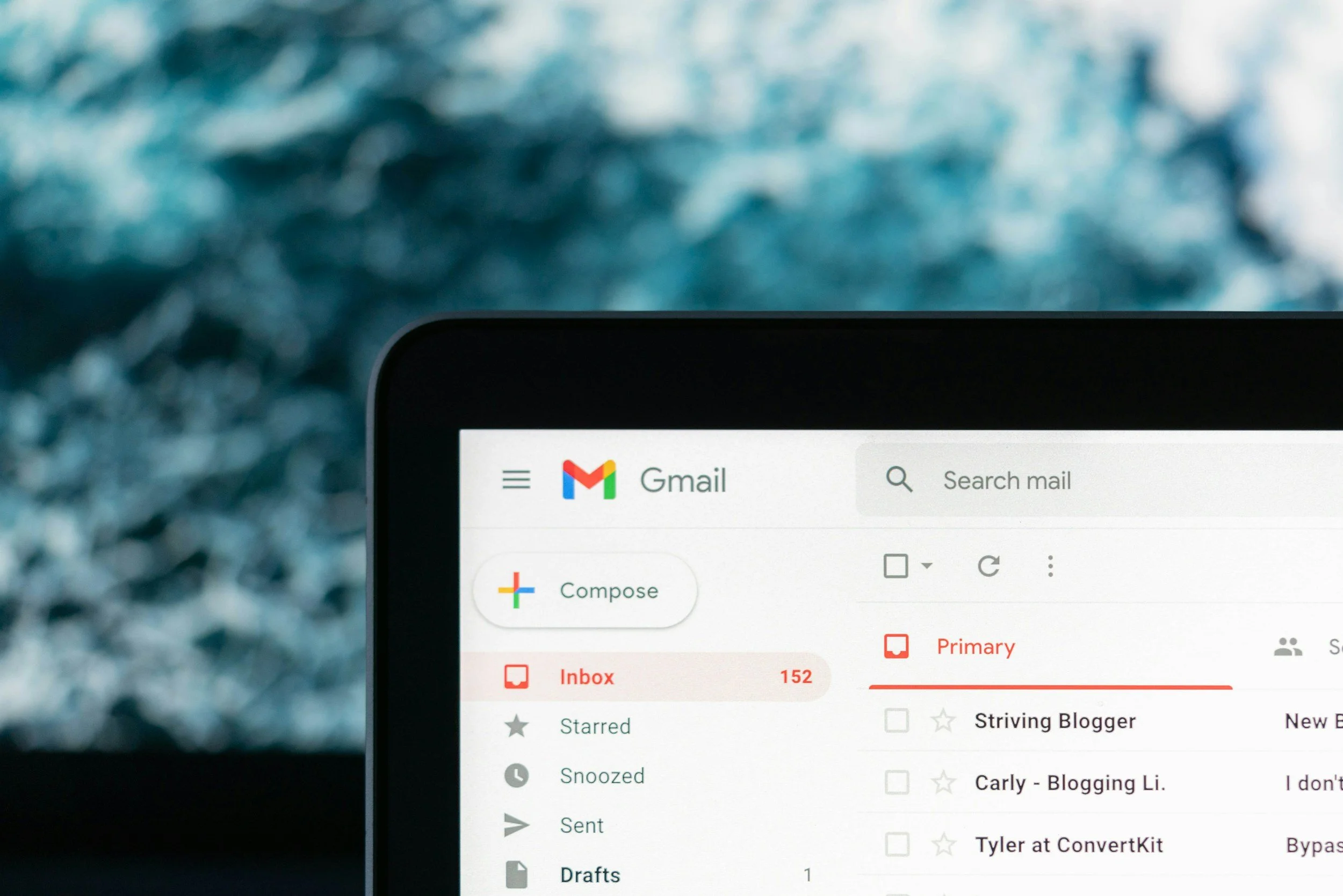
We spend a significant portion of our day writing emails, whether we want to or not. AI can help you manage the volume without making your clients and connections feel like they are just talking to a machine.
Use AI for Drafting, Not Sending
Instead of letting AI write and send emails automatically, why not use it to create "Smart Drafts." Tools like Jasper or Gemini can take a few bullet points of information and turn them into a polite, structured email.
Top Tip #1: Always read through the draft. Add a specific detail about a previous conversation or a friendly sign-off that sounds like you.
2. Streamlining Meetings and Follow-Ups
If you’ve ever gone back and forth five times trying to book a simple Zoom call, you know how much time can be wasted on scheduling. AI-driven calendars can help, but it can also be a big benefit during the meeting itself.
AI Meeting Assistants
Services like Otter.ai or Notion.ai can join your calls and provide a full transcript and this can be such a great help for business organisation. The Benefit of using it mans you can stay fully present in the conversation, making eye contact and listening deeply, rather than frantically scribbling notes.
Top Tip #2: Use those AI-generated notes to send a follow-up that says, "I loved our point about [X], I've already started looking into it for you." It shows you were listening, supported by the accuracy of the tech.
3. Content Creation and Marketing Ideas

Content creation is always a massive drain on time for us, working alone businesses.
AI can help bridge the gap between "I have an idea" and "The post is live."
Brainstorming and Outlining
Staring at a blank screen is often the hardest part of marketing. Now, you can use AI to generate 10 blog post ideas based on your niche, content pillars or a rough outline for your next newsletter.
Top Tip #3: Use the AI outline as a framework, but write the meat of the content yourself. This is where you can share your personal stories, your mistakes, and your specific expertise. AI can't replicate your lived experience or your specific brand voice and neither should you try to make it.
Support for Neurodivergent Business Owners
For many of the business owners I support, traditional organisation systems can feel way too rigid or don’t work the way their brains do. AI can really help for those who struggle with their executive function or "the boring stuff."
Breaking Down "The Big Things" with tools like Goblin.tools can take a overwhelming and scary project like "Launch my new website" and break it into further tiny copeable steps.
Top Tip #4: If you worry that your directness might be misinterpreted in an email, you can ask an AI to check the "emotional temperature" of your text to ensure it sounds as helpful as you intend it to be.
Practical steps to help you start today
You don't need all your ducks in a row or loads of software to start seeing the benefits of AI in your business.
Here is a simple way to begin:
Identify your "Ugh" tasks: List three admin tasks you do every week that feel like a slog.
Use AI for the "Zero Draft": Next time you have to write a difficult document, ask AI for a template first. It’s always easier to edit than to create from scratch.
Keep a "Human-in-the-loop" rule: Never post or send anything generated by AI without a personal review. Remember your clients are paying for your expertise, not an algorithm's.
Staying Authentic
The fear of losing your personal touch is valid fear. However, the most "human" thing you can do for your business is to be present, rested, and creative.
When the boring, repetitive bits are handled (the stuff that drains you before you've even had a brew) you've got time for the things that actually feel like you. Record and share video tutorials. Write that thank-you note you've been meaning to send for three weeks. have a coffee chat with a collaborator, or dream up your next big service offering.
AI is a tool, much like a calculator. It’s there to do the math so you can focus on the mission.
Ready to Reclaim Your Time?
If you’re feeling buried under admin tasks and want to implement better systems without losing the heart of your business, I’m here to help. Whether it's refining your business organisation, managing your email flow, or providing specialised support for neurodivergent business owners, my goal is to help.
