
A practical guide to social media scheduling for small businesses
If social media feels like yet another unpaid job you didn’t agree to, you’re not alone. Most small business owners I speak to know they should be posting regularly, but actually finding the time and headspace is another story altogether.
That’s where social media scheduling can help. It’s not there to make you content and brand dishonest or soulless but to take the pressure off and give yourself a bit of breathing room.
Why social media scheduling actually helps
Scheduling your social media posts means you’re not having to constantly think about what to post next or getting into a panic because you need to upload something between client work.
If it is done properly, it can help you:
stay consistent without posting every day
save time by batching content in one go
reach your audience when they’re actually online
keep your messaging steady across platforms
The saying done is better than perfect is one I strongly believe in
Choosing the right platforms for your business
The thing to remember is that you don’t have to be everywhere; you just need to choose the right places for your business.
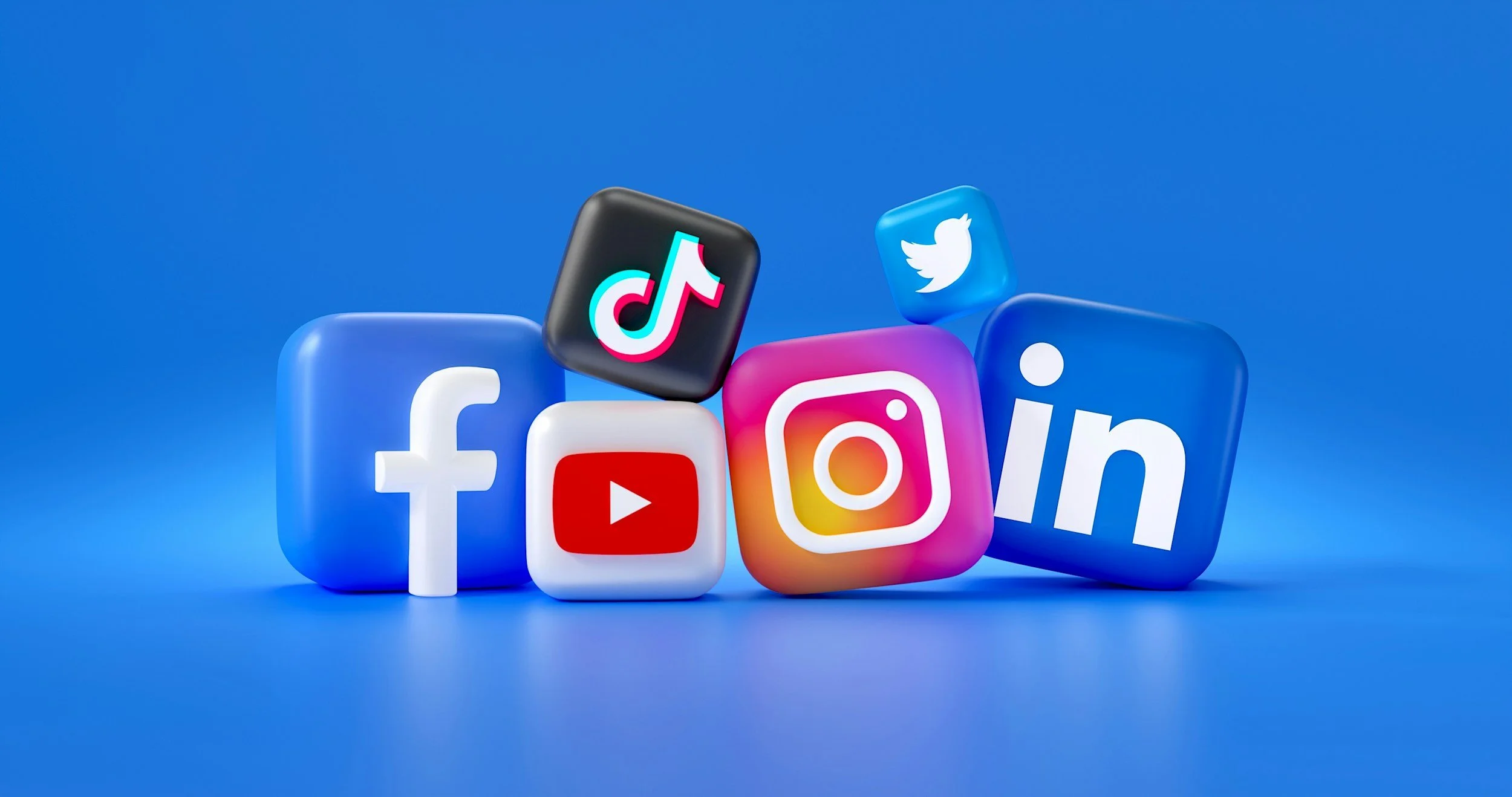
| Great for freelancers, consultants, and service-based businesses. It works best when posts are useful, honest, and not trying too hard to sell. Two or three posts a week is more than enough if they’re thoughtful and relevant. | |
| Still solid for community-based businesses, local services, and longer-form updates. Facebook’s built-in scheduling tools are easy to use and perfectly fine if you’re keeping things straightforward. | |
| Visual, informal, and more personal. Scheduling helps you plan posts and captions ahead of time, while still leaving space for stories, reels, and the occasional “this just happened” moment. | |
| YouTube | If video is part of your strategy, scheduling uploads lets you batch record and publish consistently without living inside YouTube Studio. |
| TikTok | Fast-moving and trend-led, but not just for dancing teenagers. It can work well for education, behind-the-scenes content, and personality-led businesses. Scheduling helps you stay visible without having to think on your feet every day. |
| X (formerly Twitter) | Best for short thoughts, commentary, and sharing updates quickly. Scheduling can help keep a light, steady presence, but this platform still benefits from occasional real-time interaction. |
| Often overlooked, but brilliant for long-term visibility. Pins can drive traffic to blogs, products, and services months after posting. Scheduling here is almost essential, as consistency matters more than frequency. | |
| Threads | Still finding its feet, but useful for conversational, low-pressure posting if you already use Instagram. Scheduling can help maintain a presence without overthinking what to say. |
| Bluesky | Often compared to early Twitter. It’s more conversational, slower-paced, and currently attracts creatives, writers, and tech-curious folks. Useful if your audience likes discussion and ideas rather than polished marketing. Scheduling helps maintain a light presence, but this platform still rewards genuine interaction. |
| Lemon8 | Very visual and lifestyle-led, sitting somewhere between Instagram and Pinterest. It works well for creators, coaches, and small businesses that can share tips, guides, or educational content in a calm, aesthetic way. Scheduling is helpful here, especially if you repurpose content from Instagram or blogs. |
| Snapchat | Mainly audience-specific and still very real-time. It suits brands targeting younger audiences or offering behind-the-scenes content. Scheduling options are limited, so this one is better treated as optional rather than essential for most small businesses. |
In-platform scheduling vs scheduling tools
Using the built-in scheduling tools on each platform is absolutely fine, especially if you’re just getting started. They’re free and straightforward, but managing multiple platforms can get fiddly.
Third-party scheduling tools make life easier if you’re juggling more than one channel. Tools like Metricool, Buffer, Later, or Hootsuite let you plan content in one place, preview posts, and review basic performance without hopping between apps.
The best tool is the one you’ll actually use.
Scheduling doesn’t change your personality

Scheduling your social media posts is not the same as planning your content, and it should not affect your personality.
Scheduling is simply the when.
Your personality and voice live in the what and the how.
The tone of your posts, the way you talk, the stories you share, the honesty, the humour — all of that is decided when you are planning and creating your content. Scheduling just decides when it goes out.
Where some people get stuck is assuming that once something is scheduled, it becomes rigid or lifeless.
Of course, it doesn’t.
It will only feel that way if the content was written that way to begin with.
Use scheduling to stay consistent, not polished
My best advice is to use scheduling to stay visible during the weeks when you’re tired, busy, or just not feeling it. That way your business still shows up. Then, when you do feel inspired and creative, you can always add in those in-the-moment posts as well. Best of both worlds.
When scheduling can trip you up
Scheduling only becomes a problem when it’s left completely on autopilot.
The most common issues I come across are:
scheduling too far ahead and never checking back, who know what you is happening in six months!
posting just to fill gaps. Without a reason, what’s the aim?
ignoring what’s working and what isn’t. Doing something for no reward is a waste of energy.
trying to post constantly and burning out. There is more to life.
Just a quick weekly review is usually enough to keep everything feeling current and aligned.
So what’s the point of scheduling?
Scheduling isn’t about control, perfection, or looking organised. It’s about reducing mental load so your social media marketing fits around your business, not the other way round.
If scheduling helps you stay consistent when your energy dips — and gives you freedom to be more present when it returns — then it’s doing its job.
And if you want help setting that up in a way that works with your brain, not against it, then .
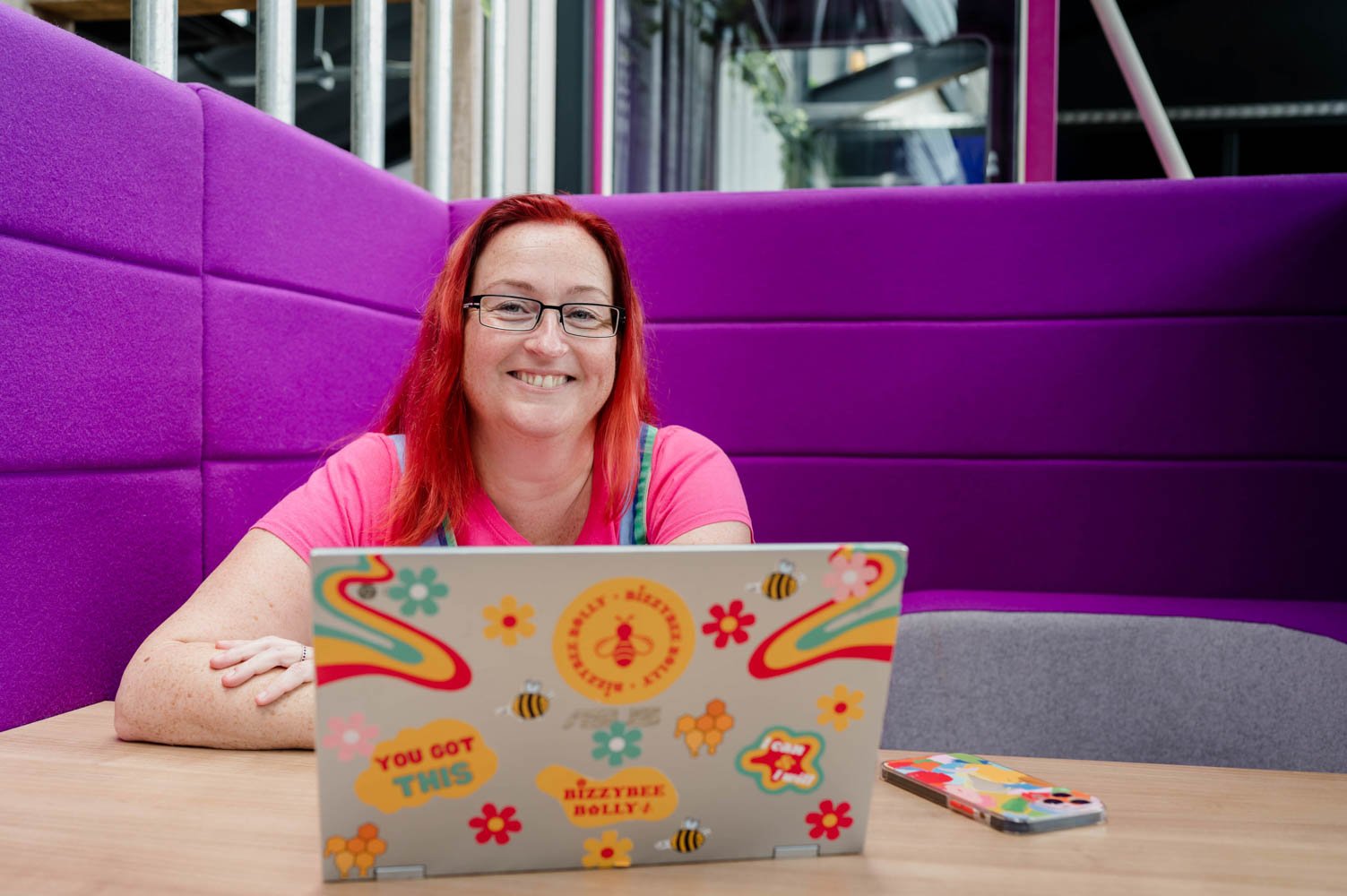
If the ideas are there but social media keeps slipping down the list, this is where support helps.
I help freelancers and small business owners stay on track with their social media by putting a simple scheduling process in place and keeping it moving. No pressure to be perfect, just steady, realistic consistency.
If you’d like someone to help you keep on top of it, get in touch and we can talk it through.
